
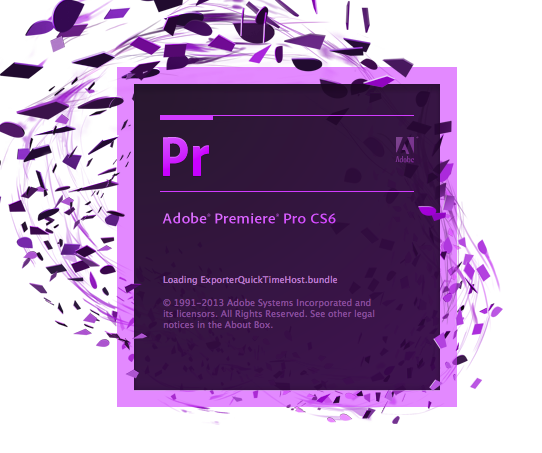
Problem: Adobe Premiere Hangs on Loading ExporterQuickTimeHost.bundle. I’m using a 2013 retina macbook pro with OS X 10.9 Mavericks.
Cause: This has been happening when Adobe Premiere CS6 doesn’t close properly, my external hard drive where I host my videos has been randomly disconnecting (I suspect Mavericks is the cause).
Fix 1:
– Restart your computer
– This has been the only thing that works for me, somebody suggested removing the ExporterQuickTimeHost.bundle and ImporterQuickTimeHost.bundlefrom the Applications content folder but this gave me an error and the tool wouldnt open.
Fix 2:
Opening task manager and ending the process running called ‘dynamiclink‘ . Once closed Premier Pro will open with no errors.
Here is a picture of where it hangs.
i didnt get the resolution. I tried deleting the exporter and importer dll. but then the Application would not open. please suggest correct action. i m using premier CS6
The steps above are what worked for me. I’d suggest restarting your computer , if that doesn’t work you could reinstall Premiere. good luck!
I had the same issue. I solved it by opening task manager and ending the ‘dynamiclink’ process that was running. The second I closed it, Premier Pro opened instantly.
Hope this solves your issue too.
Thanks for the comment, I’ll add it to the article as another solution. Have a nice day!
super thanks! was already going nuts here! haha
You’re welcome! 🙂
I’m running CC 2015 and the second fix worked like a charm. Thanks!
Awesome! thanks for the comment, glad it worked 🙂